
Moulds: 3D printed resin
How to design, print and cure your own SLA resin mould inserts, the detail they hold that a filament print cannot, and how they compare to our premium aluminium moulds.
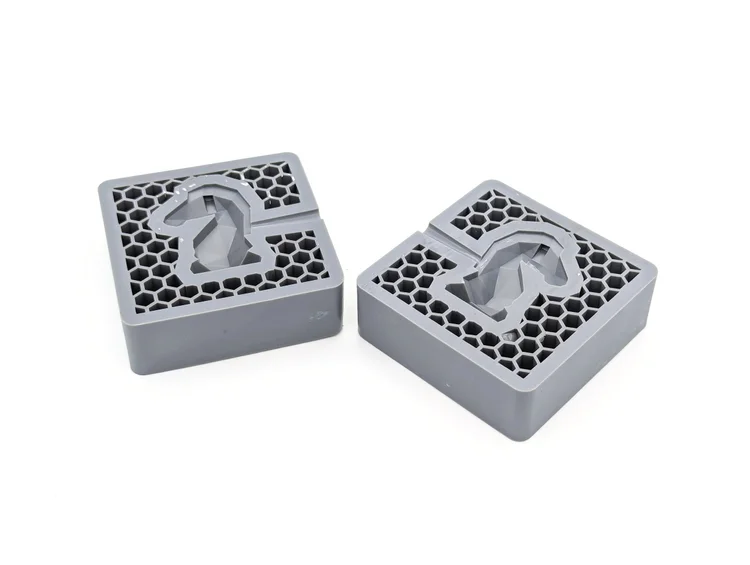
Why print a resin insert
Creating a mould is one of the most expensive parts of injection moulding. At Sustainable Design Studio, we machine custom aluminium moulds all the time, and we know that is a big commitment if you're still in the testing phase. That's why we created an aluminium holder for 3D printed inserts. The CNC machined holder takes the injection force, while a printed insert carrying your part drops inside it. You buy the holder once, then print, test and change the insert as often as your design needs, so a design change costs you a reprint, not a new mould.
Resin is the route to take when the detail matters. It cures liquid layer by layer instead of laying down melted filament, so the surface is smoother and the features sharper, and high-temperature resin survives contact with injected plastic. Move to a premium aluminium mold when you need the same part hundreds of times. Everything here assumes you are using the Injection Mini V2.
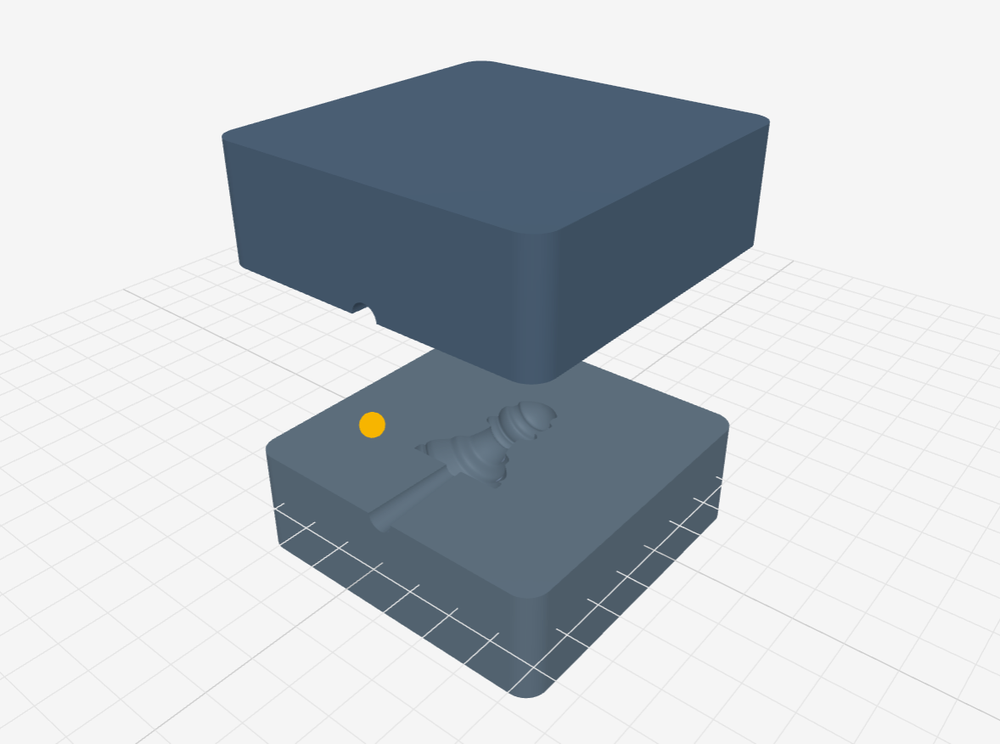
From STL to a near print‑ready insert
Upload your STL and the tool splits your part across both halves and sizes them to our holders. Set Print method to SLA and it builds the hollow, hex-backed insert described below. Check the result, then send it to your slicer. It works for FDM inserts too.
Open the mould slicing toolWatch a resin mould made start to finish
Watch our YouTube video that covers three ways of making a mould, with FDM, SLA or aluminium CNC, comparing them side by side and showing what the final part looks like.
What you need
An Injection Mini V2, the only machine of ours with fine enough pressure control.
A CNC aluminium insert holder, which takes the injection force and the nozzle heat.
Any modern resin printer with a plate big enough for both halves, such as the Elegoo Saturn 3.
Phrozen TR300 is what we use. Siraya Tech Sculpt Ultra White works too. Check the heat-deflection figure on any substitute.
Something like the Elegoo Mercury X. The cure is what gives the insert its temperature resistance.
800-1200 grit for easing a tight insert in, and a silicone release rated to 260°C.
The pros and cons of resin inserts
A resin insert is best for prototypes and short runs. Read the cons before you plan anything bigger.
Pros
Fast and sharp- Detail holds. Small text and fine logos survive the print, which is the reason to choose resin over filament.
- A new mould prints in 5-6 hours, plus wash and cure.
- SLA printers are widely available and resin costs a fraction of machined aluminium.
- Great for small batches and limited runs, such as event keyrings.
Cons
Short runs only- Fewer than 100 injections before the mold deteriorates.
- It cools slower than aluminium and cannot be pre-warmed, so cycles run longer.
- Flashing, where plastic escapes the cavity and leaves a thin fin, is a constant battle.
- Resin is brittle as well as soft. A cracked insert fails suddenly rather than wearing out.
- Not suited to thin walls or parts that need the fast cooling of an aluminium mold.
Starter insert files
Before any of that matters you need a blank to cut into. These are sized to our holders, as STEP files. Cut your cavity into one, then print it in resin. The same four blanks work for the resin and FDM routes.
50 × 50 × 15mm
Download75 × 75 × 25mm
Download100 × 100 × 25mm
Download150 × 100 × 25mm
DownloadThe next two sections walk through cutting the cavity and printing it. For the CAD in more depth, our guide to designing a 3D printed insert in Fusion 360 covers the same ground at a slower pace. To skip the CAD altogether, set Print method to SLA in our mould slicing tool: it turns your STL into two hollow resin inserts sized to these holders.
Design, print and fit the mould
Eleven steps from CAD to a finished part. The example is a low-poly chess piece scaled to the medium holder.
-
Step 1
Pick the part and scale it to the holder
Start from the holder you own. The part has to fit inside the blank for that size with wall thickness around it.
-
Step 2
Split it across both halves
Sink half the part into each blank. The split line becomes the seam on the finished part.
-
Step 3
Cut and taper the entry
The hole in the holder is 6mm, tapering to about 3mm where it meets the part. That plug of plastic left behind is the sprue, and a smaller one means less to trim.
-
Step 4
Hollow the back
A hollow insert saves resin. Keep a 3mm face plate, 3mm outer walls and a 3mm shell around the cavity and sprue, with an open hexagonal lattice of 5mm cells on 1mm ribs behind them. Leave the back open so no uncured resin is trapped inside. The mould slicing tool builds this for you when Print method is set to SLA.
-
Step 5
Slice both halves at 45 degrees
Rotate so the cavity is not flat on the plate. Use the exposure settings your resin’s maker recommends, not settings copied from someone else’s print. Support the back and outer walls, never the cavity face.
-
Step 6
Wash, de-support and cure
Cure for the time your resin specifies. An under-cured mould fails on the first shot however well it printed.
-
Step 7
Check the cured halves
Clean cavities, no tackiness, no support scars on the face that touches the plastic.
-
Step 8
Fit them into the holder
Snug, but pressed in by hand and easy to lift out again, never forced. If one will not fit, sand the protruding edges back with 800 to 1200 grit.
-
Step 9
Line up the entry point
A small gap is fine, and folded paper shims it. What matters is the entry lining up with the injection point in the aluminium.
-
Step 10
Mount and inject
Clamp the loaded holder into the machine as you would an aluminium mould. The three rules below decide how long the insert lasts.
-
Step 11
Trim and inspect
Snip the sprue, take off any flash, and check the cavity before the next shot.
| Setting | Value |
|---|---|
| Entry hole | 6mm, fixed by the holder |
| Sprue taper | From the 6mm entry down to about 3mm at the part |
| Back structure | 3mm face plate, walls and cavity shell; open hex lattice, 5mm cells on 1mm ribs; open back |
| Print orientation | 45 degrees |
Three rules that decide how long your insert lasts
Everything about running a resin insert comes down to using less than you would with aluminium. Less heat, less pressure, more patience.
Lowest possible temperature
200°C for PPThe mold is heat sensitive and degrades faster the hotter you run. Find the lowest temperature that still gives you a good part and stay there. We use 200°C for polypropylene.
Lowest possible pressure
About 80psi for PPDrop the injection pressure using the gauge on the left-hand side of the machine. Do not run the max pressure you would use with an aluminium mould. Resin is brittle, so it cracks rather than deforms. We use around 80psi for polypropylene.
Let it cool in the mould
Opposite to aluminiumWith aluminium you get the part out quickly. With resin you leave it in until it has cooled, because pulling a hot part drags at a cavity that is still soft. It slows the cycle and it is worth it.
FAQ
Questions about resin inserts
Not sure whether resin or FDM suits your part? Send us the design and we will tell you. The team replies within one to two working days. Get in touch
Related resources
Resin is one of three ways to get a mould. These cover the other two, plus what to do once you have one.
 Guide
Guide
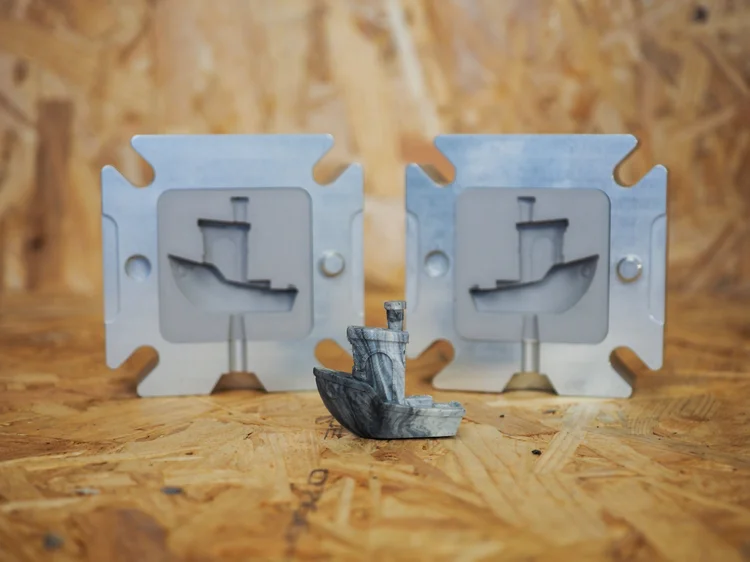
How to 3D print FDM moulds
The filament route. Cheaper and simpler than resin, at the cost of detail and surface finish.
 Guide
Guide
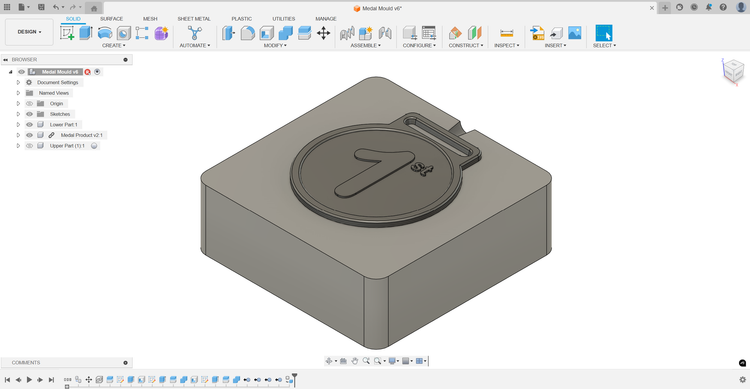
Designing a 3D printed insert
The Fusion 360 side of the job. How to take the blank insert files above and cut your own cavity into them.
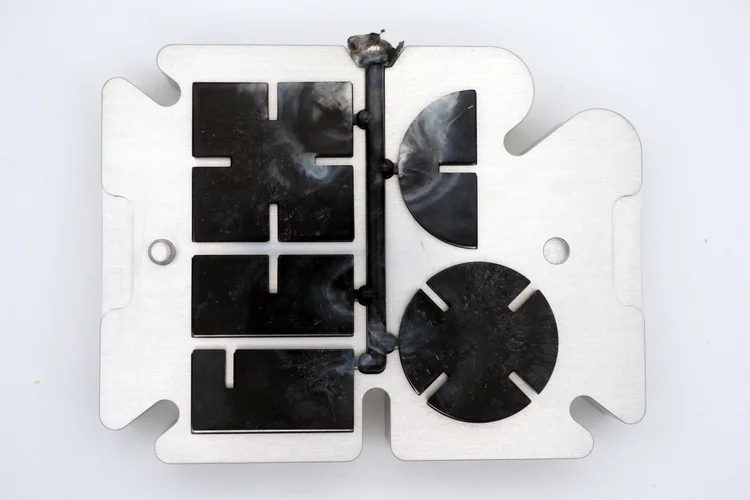 Guide
Guide
Mould use
Everything about running our aluminium and steel moulds, plus how to fix flashing, sink marks, and partial fills.
 Guide
Guide
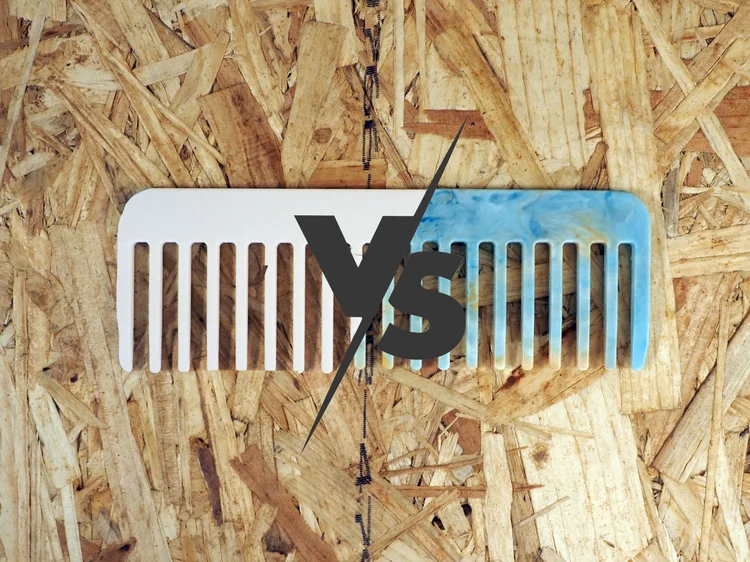
3D printing vs injection moulding
A full breakdown of where each process wins on cost, speed, and quality, and the point at which moulding takes over.
 Guide
Guide
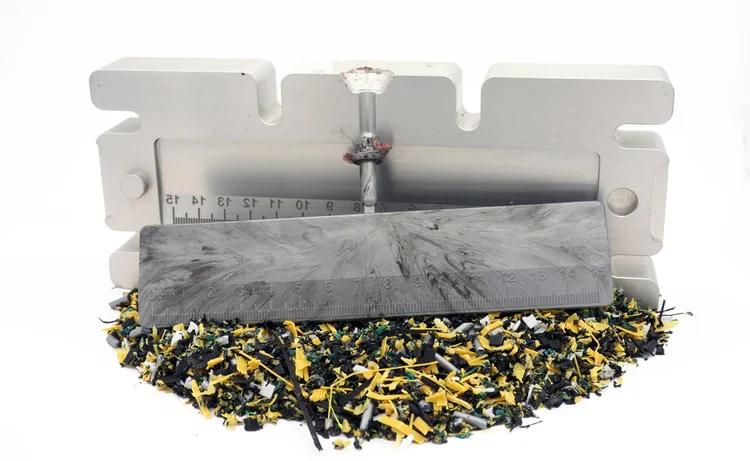
How to inject PLA
Turning 3D printing waste into molded products with the Injection Mini V2, and why PLA behaves differently to PP.
 Tool
Tool
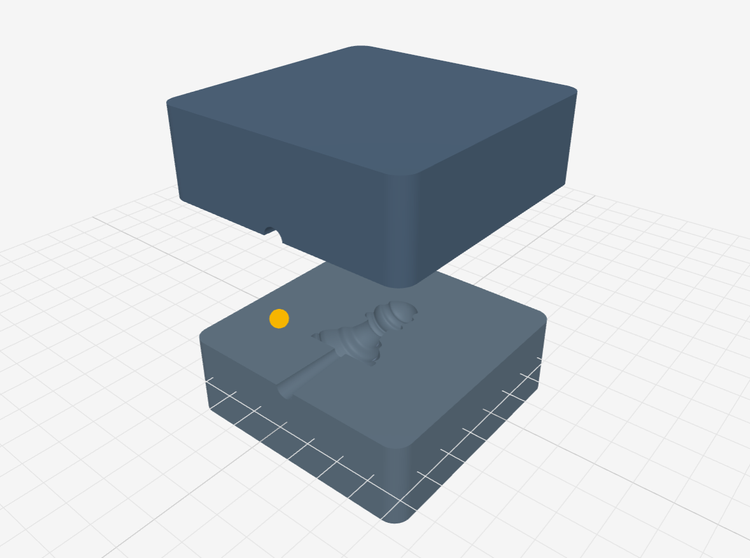
Mould slicing tool
Turn an STL into two mould insert halves, solid for FDM or hollow for SLA. Runs in your browser, nothing uploaded.
Got a question about moulds?
Talk to us. Sustainable Design Studio designs and machines moulds in the UK and ships worldwide. Tell us about your part and we will say honestly whether a printed insert or an aluminium mold is the right call.